Back to Projects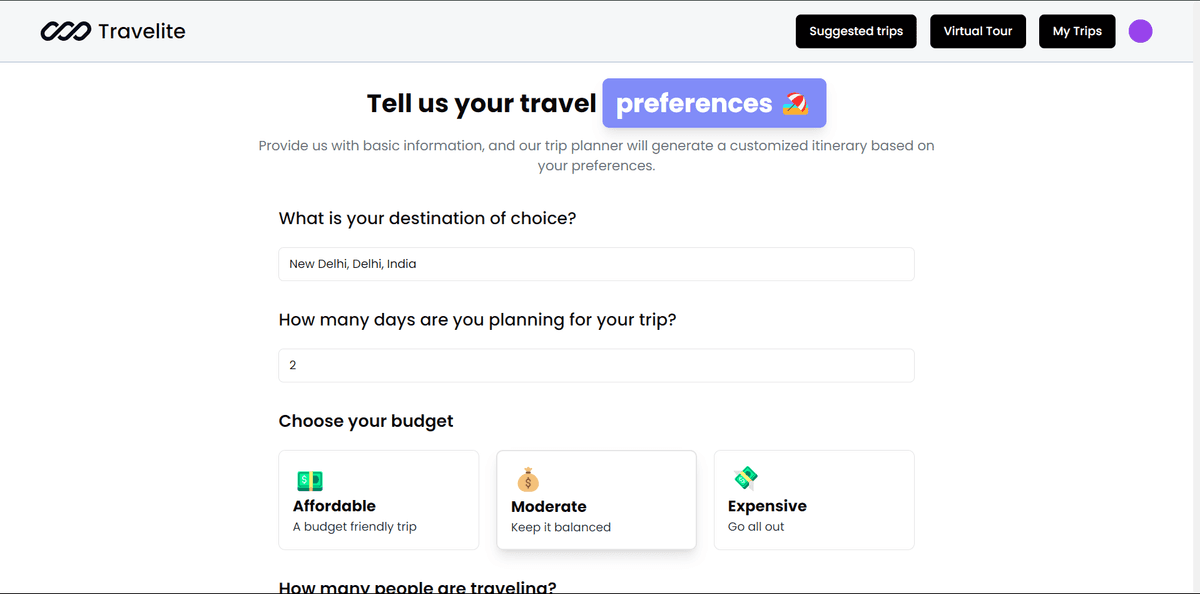
Travelite
AI-driven platform that customizes trip planning and suggests itineraries based on user's past travel preferences
Next.js
Tailwind
Firebase
Gemini API
Python
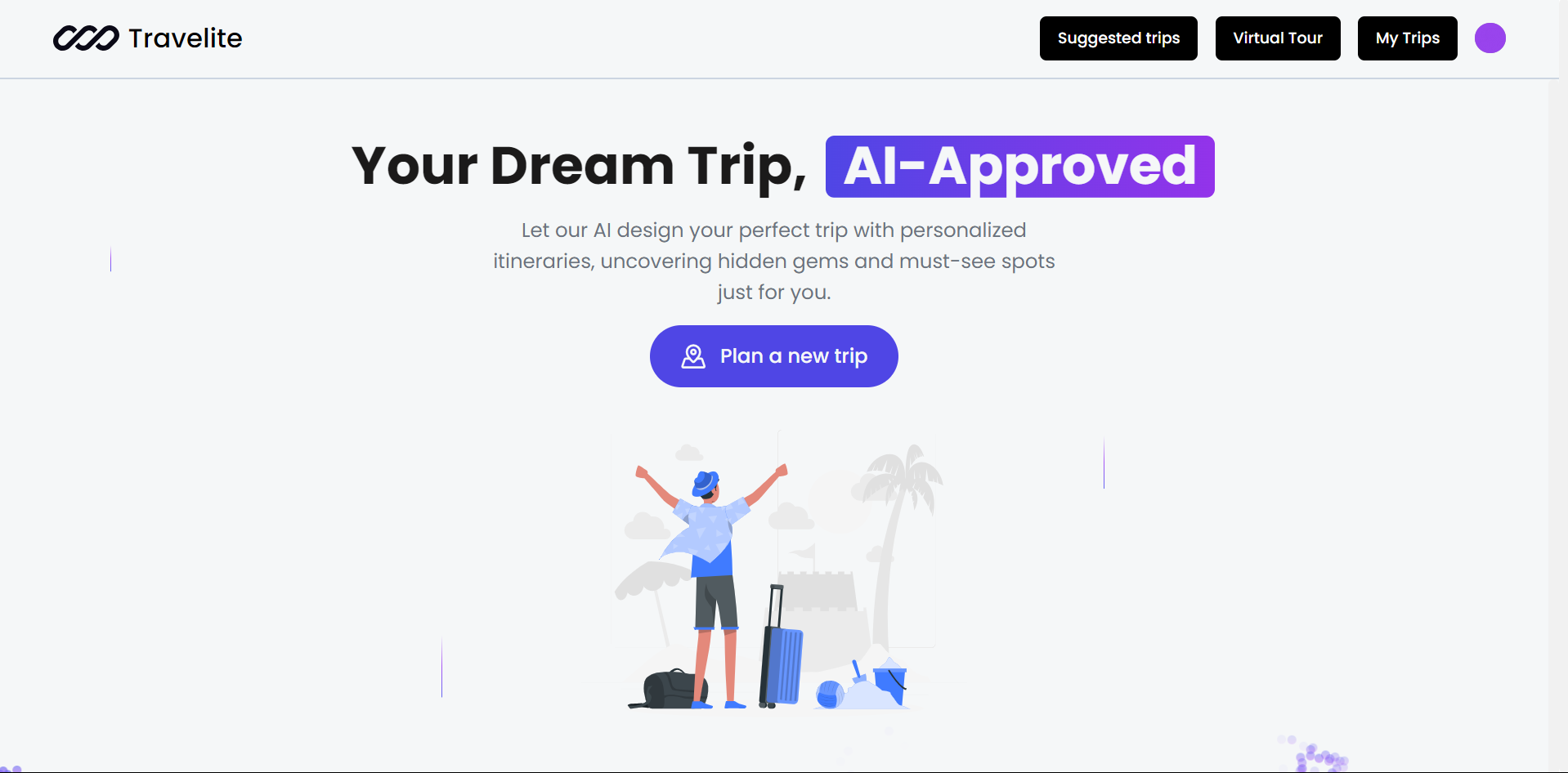
Travelite is an AI-powered virtual tour guide and trip planning platform that provides users with customized trips based on their preferences. It also allows users to view past trips and suggests new trips using an ML model that analyzes previously created trips.
Features
- AI Virtual Tour Guide: Experience destinations with high-quality images, street views, and audio narration.
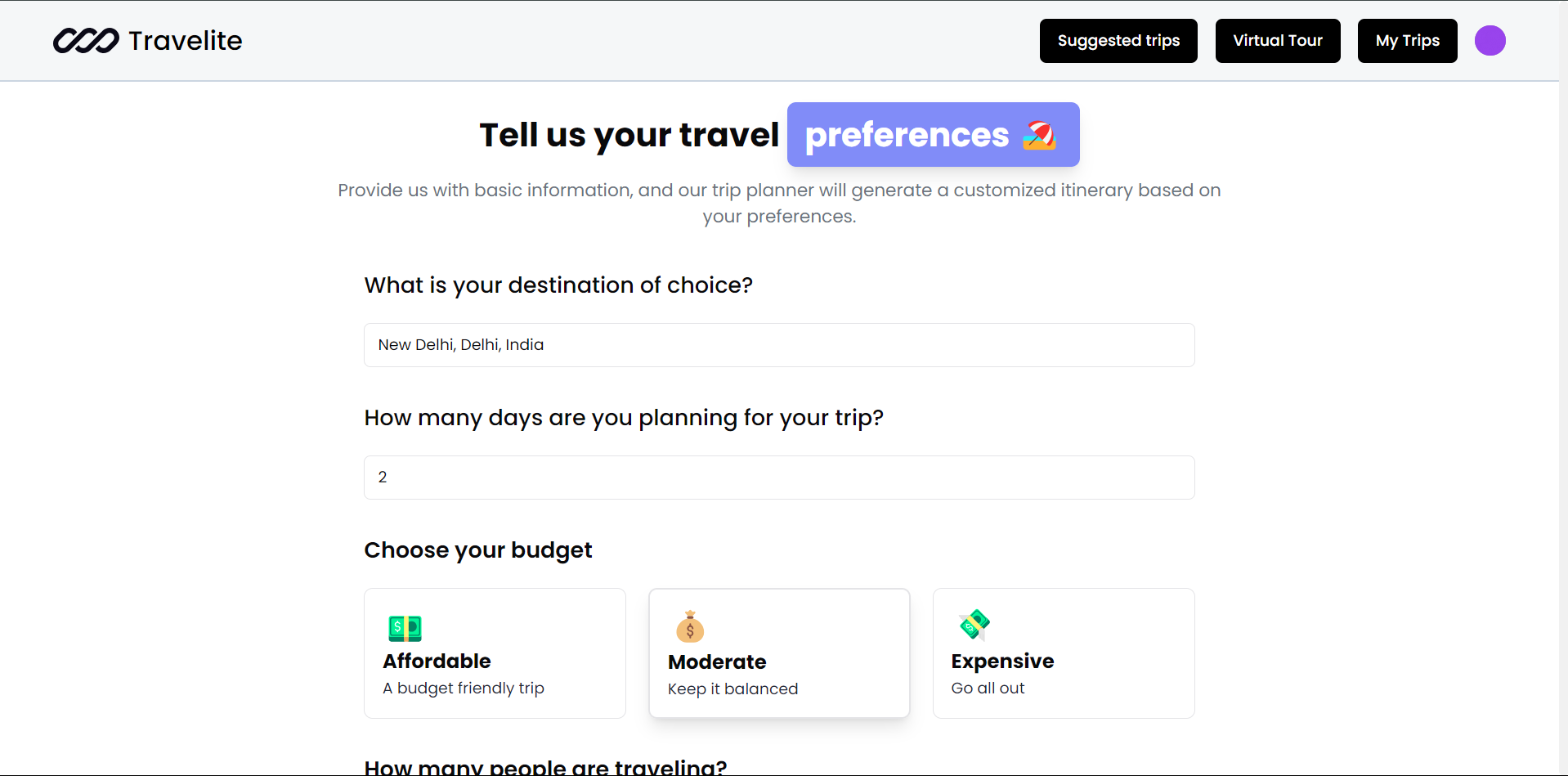
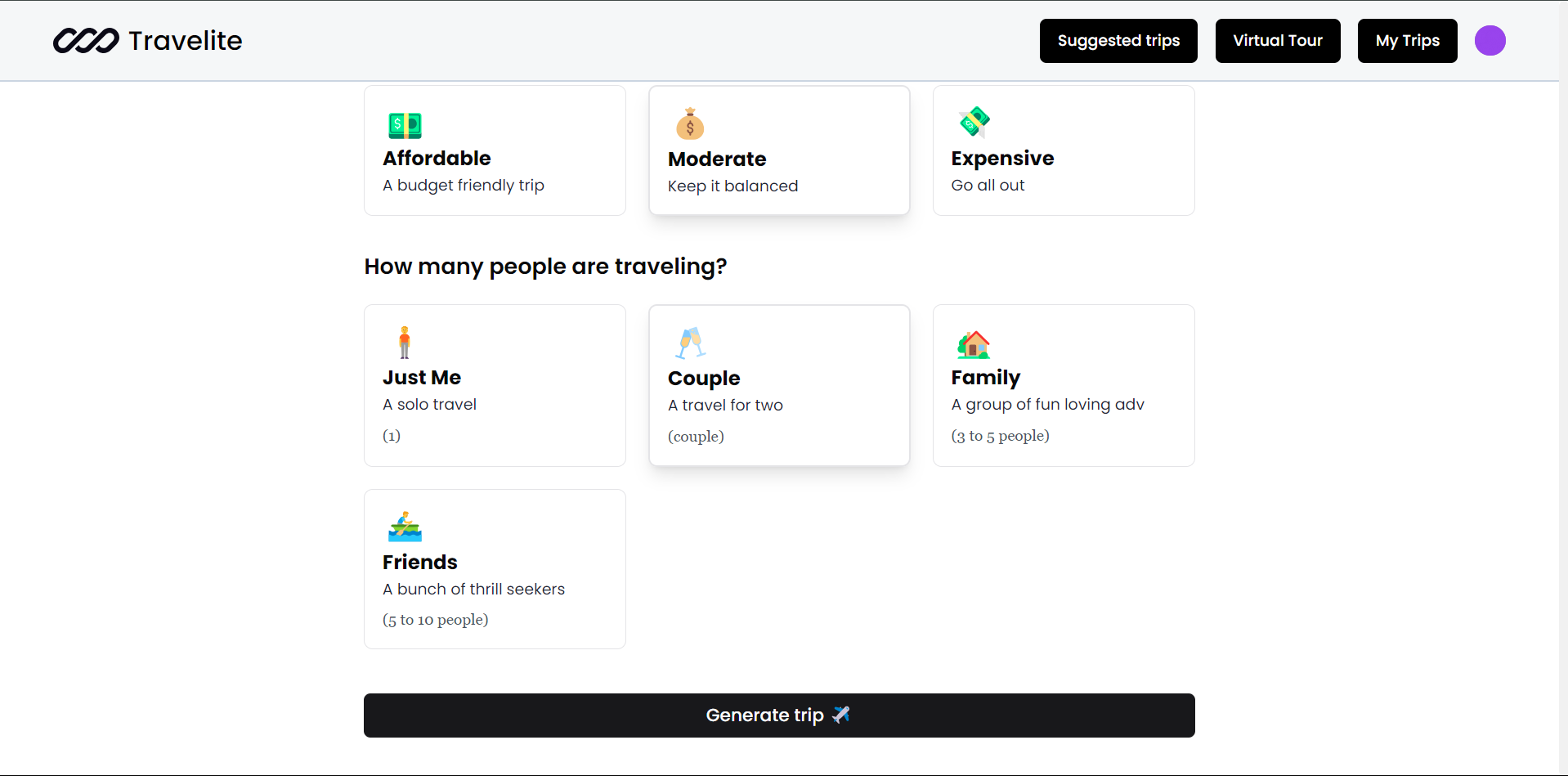
- AI-Based Trip Planner: Generate personalized trips by inputting your destination, budget, and group size.
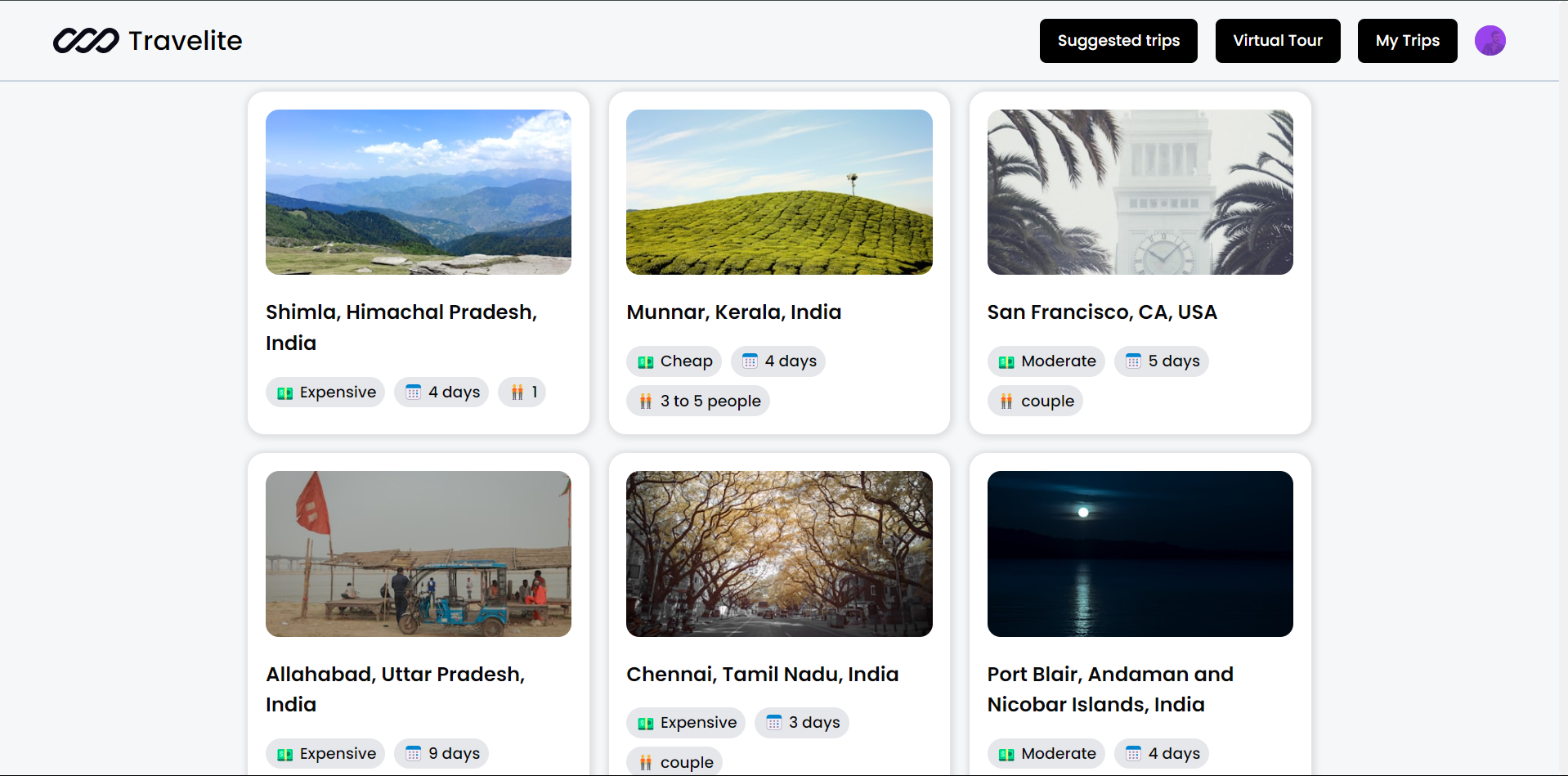
- View Past Trips: Access and manage all the trips you’ve created previously.
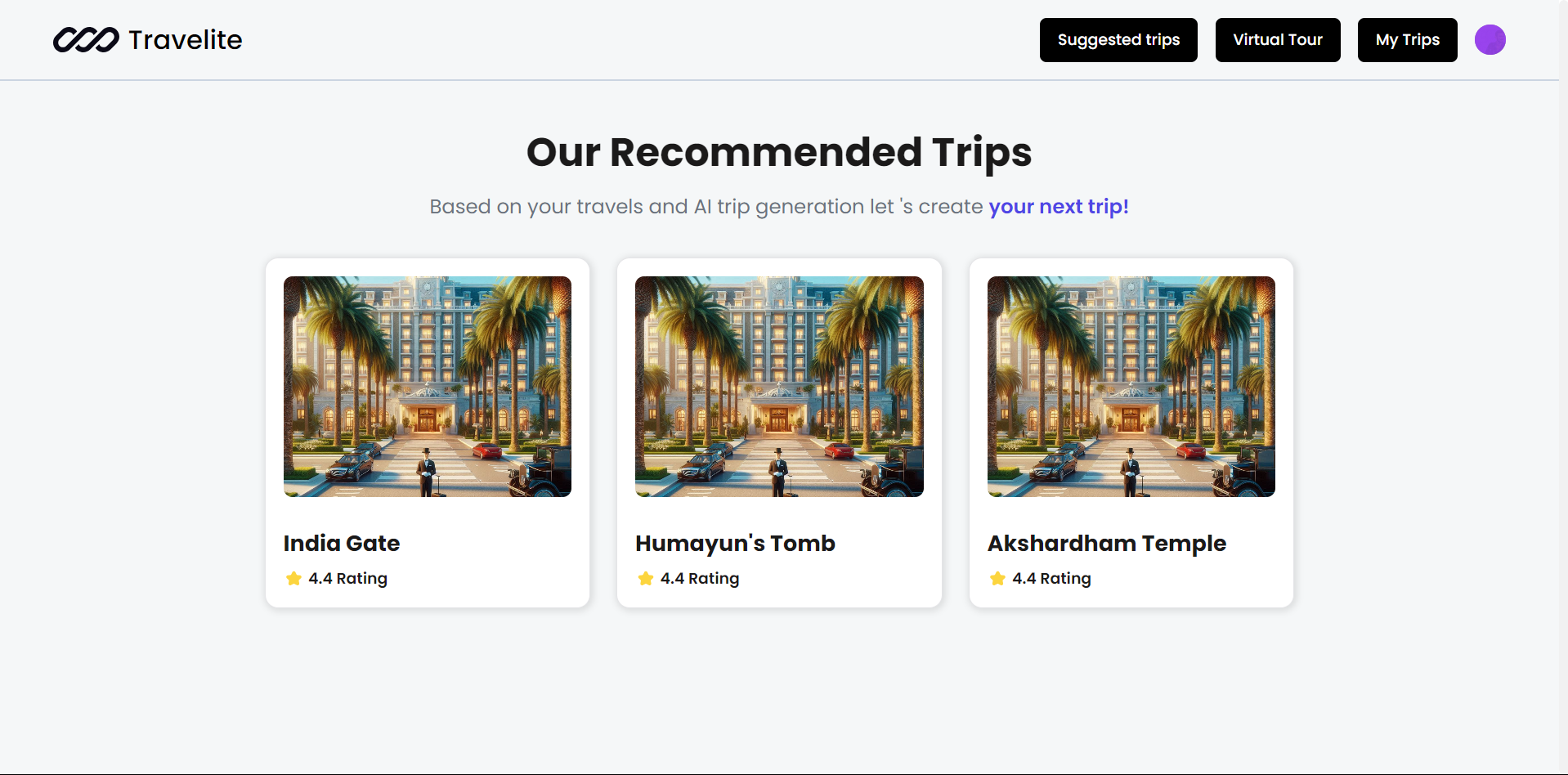
- ML-Based Trip Suggestions: Receive up to 3 suggested trips based on your most recent trip, leveraging a machine learning model.
- Integrated Chatbot: Use a chatbot for assistance, information, and QR code-based ticket booking.
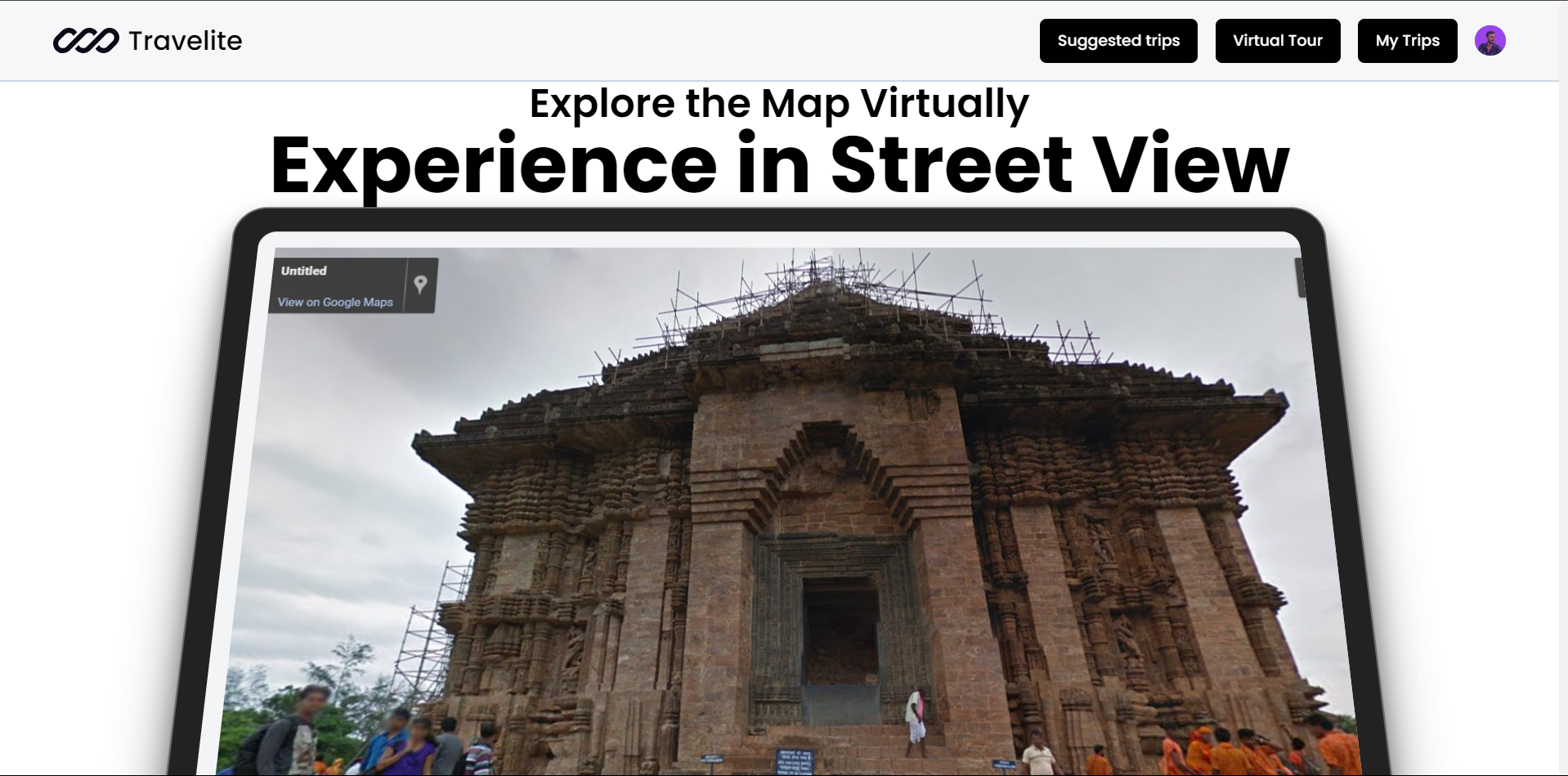
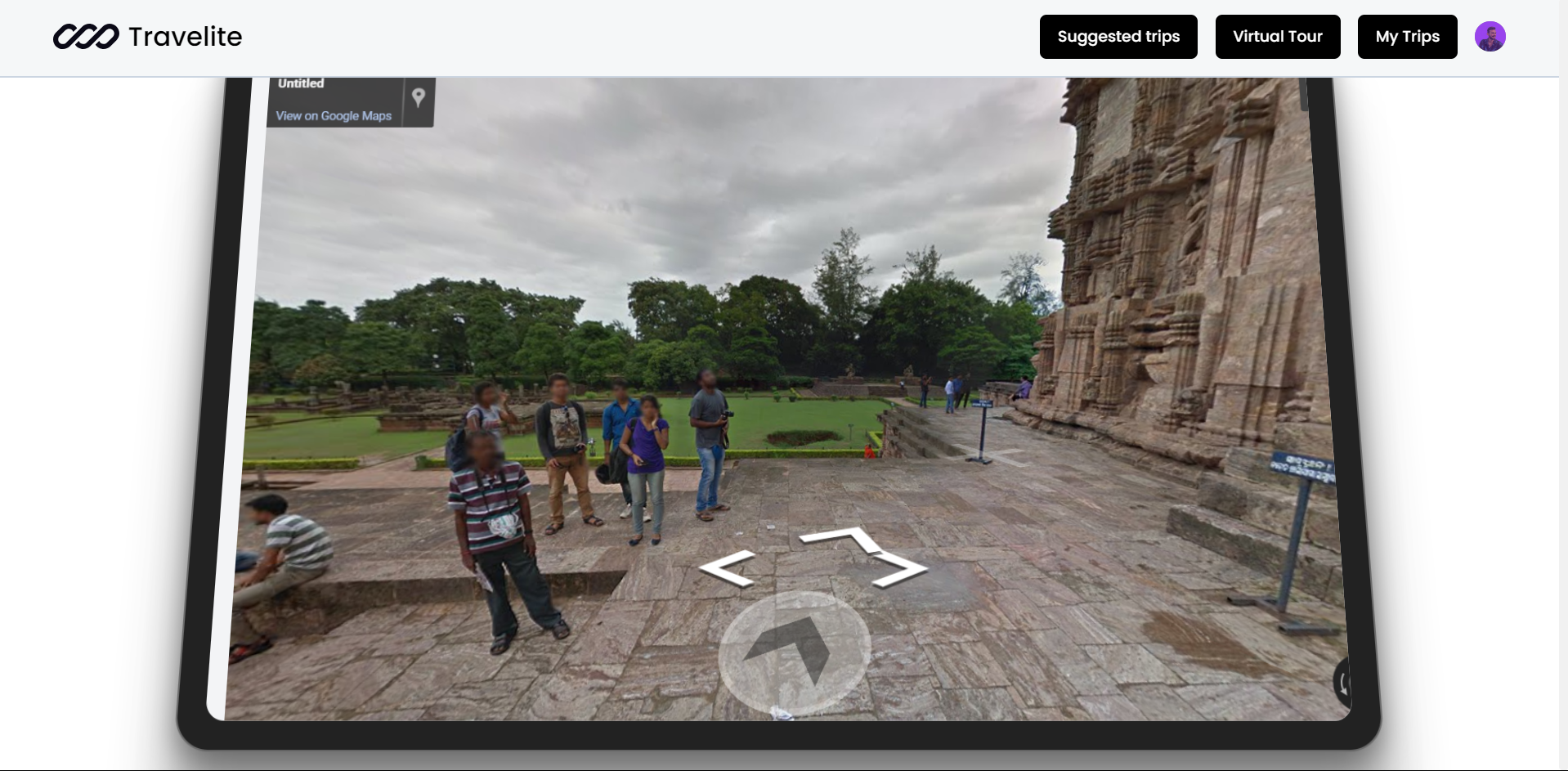
- Virtual Street View: Explore locations through a virtual tour guide, including street views, detailed images, and educational audio content.
- Multilingual Audio Descriptions: Access audio explanations of significant features at each location in multiple languages.
- Interactive Trip Map: View an interactive map of your trip location using Leaflet.
Technologies Used
Frontend:
- React.js
- Next.js
- Tailwind CSS
- Acternity UI
- shadcn (component library)
- Framer Motion (for animations)
- Leaflet (for interactive maps)
Backend:
- Next.js
- Node.js
- Express.js
- Python (for ML models)
Database:
- Firebase (for storing trip data)
Machine Learning:
- Python (ML models for trip recommendations)
AI
- For creating using trip using gemini API
APIs:
- Gemini API (for trip planning)
- Unsplash API (for destination images)
- Google Maps API (for street view images of destination)
Authentication:
- Clerk (for secure user authentication and session management)
Usage
1. Create a Trip:
- Log in using Clerk's authentication system and provide your destination, budget, and group size to generate a new trip plan using the AI Trip Planner.
- After the AI generates the trip, it will recommend:
- Up to 3 Hotels: Each hotel card displays:
- Rating: The hotel's user rating.
- Price: The cost per night.
- Address: The hotel's location.
- Clicking on a hotel card will navigate you to Google Maps, showing the hotel's location and directions.
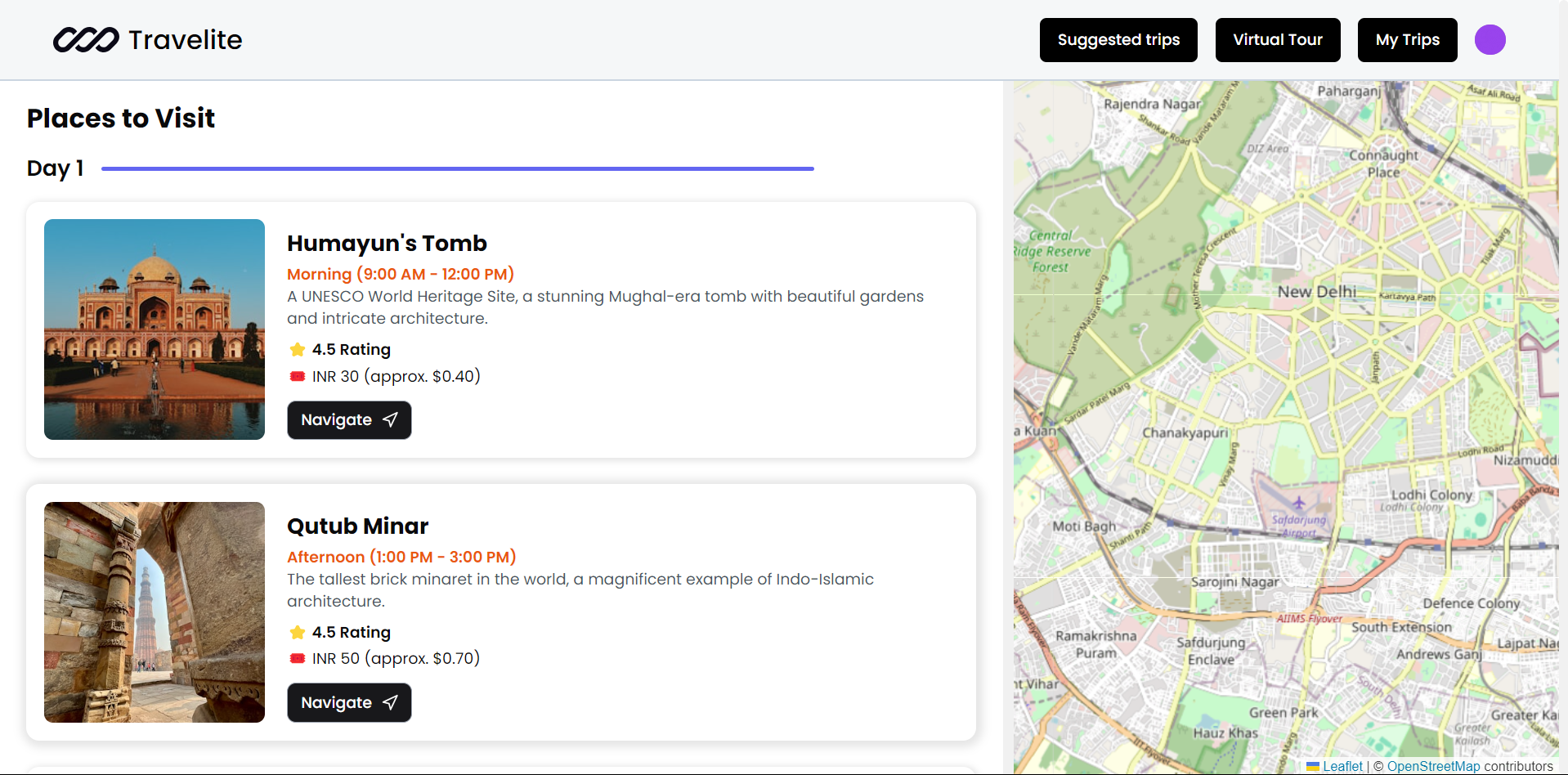
- Day-Wise Activities and Places to Visit: Each activity/place includes:
- Cost: The expense associated with the activity/place.
- Rating: The user rating.
- Description: A brief overview of the activity/place.
- Address: The location of the activity/place.
- Clicking on an activity/place card will open its address on Google Maps, providing directions and additional details.
- Up to 3 Hotels: Each hotel card displays:
- Trip Map: View an interactive map of the trip location using Leaflet, which displays all recommended hotels, activities, and places to visit on the map.
2. View Past Trips:
- Navigate to the "My Trips" section to view all previously created trips.
3. AI Trip Suggestions:
- After creating a trip, view 3 trip suggestions based on your last trip, recommended using the ML model.
4. Virtual Tour Guide:
- Street View: Explore locations through a virtual tour. For example, if you create a trip to Konark Temple:
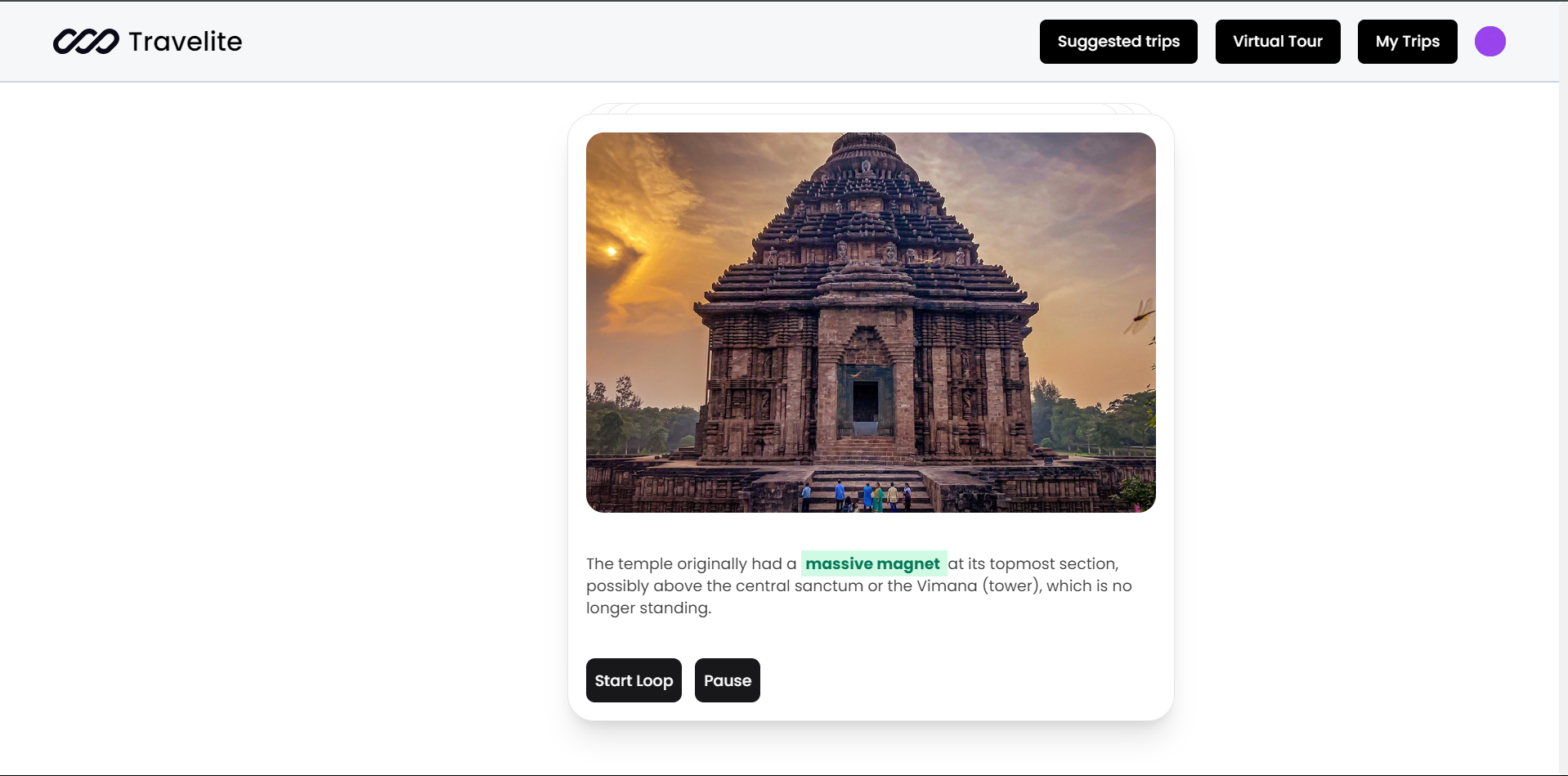
- Carousel Photos: View 2-3 high-quality images showcasing the beauty of Konark Temple.
- Street View Section: Experience a virtual tour of the temple's surroundings as if you were there, without actually visiting.
- Audio Descriptions: Listen to multilingual audio explanations about the significance of various sculptures and features of Konark Temple, enhancing your understanding of the place.
UI & Design
Travelite's user interface is powered by Acternity UI and shadcn, a modern and responsive UI component library. This combination provides a clean, minimalistic design with a focus on user experience and performance.
- Acternity UI: A custom UI framework providing the base design principles for the app.
- shadcn: A component library integrated into the app for rapid UI development and seamless design consistency.
- Framer Motion: For dynamic animations and transitions to enhance the user experience.
- Leaflet: For interactive and dynamic maps displaying trip locations and recommendations.